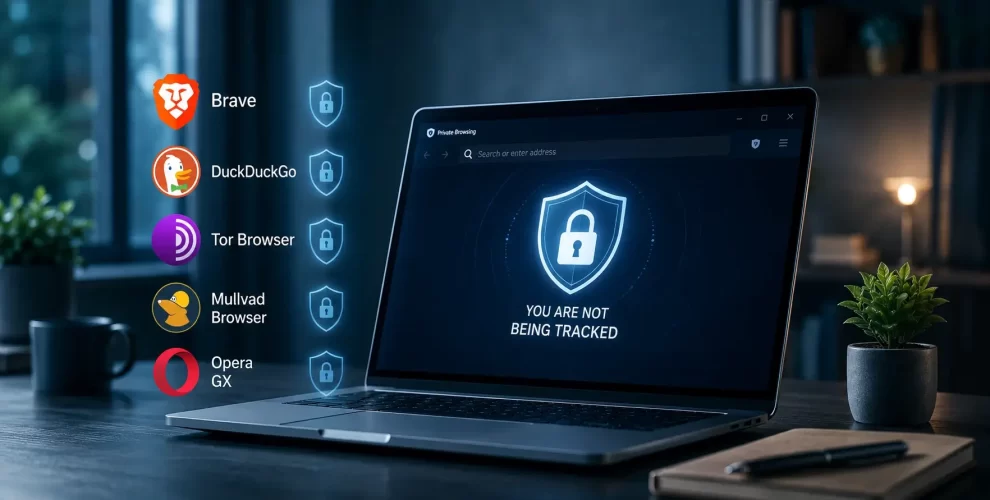
Best Privacy Browsers That Don’t Track You Like Chrome and Firefox
The browser you use every day can collect more information than you might expect. From the websites you visit to the way you interact online, browsing data is often gathered to improve services, personalize content, or measure performance.
If keeping more of your online activity private is your goal, switching to a browser built around privacy can be a smart move.
Why Browser Privacy Matters
Every time you browse the web, websites and advertising networks may attempt to learn more about your device and online behavior. Over time, this information can be used to create a detailed picture of your interests and browsing habits.
A browser with strong privacy features helps reduce this type of data collection by limiting trackers, blocking unwanted scripts, and giving you greater control over the information shared while browsing.
Brave
Brave is designed for people who want better privacy without sacrificing speed. As soon as you install it, many advertising trackers are blocked automatically, helping pages load faster while reducing unnecessary data collection. It also includes extra protections that make it more difficult for websites to identify your device through browser fingerprinting.
LibreWolf
LibreWolf is an independent browser built from Firefox, but with privacy as its primary focus. It removes many background services that aren’t essential for browsing and starts with stricter security settings already enabled. This means users can enjoy a familiar browsing experience without spending time changing multiple privacy options.
Mullvad Browser
Created with privacy in mind, Mullvad Browser helps reduce browser fingerprinting by making every user appear as similar as possible.
It does not require a Mullvad VPN subscription, although the two work well together for users who want additional privacy.
Tor Browser
Tor Browser is designed for users who need the highest level of online privacy.
Instead of connecting directly to websites, it routes your internet traffic through multiple encrypted servers, making it much harder to identify your location or browsing activity.
The trade-off is slower browsing speeds compared to standard browsers.
DuckDuckGo Browser
DuckDuckGo Browser keeps things simple.
It blocks trackers, forces encrypted connections where available, and includes built-in privacy tools without requiring users to adjust complicated settings.
It’s a good option if you want better privacy with a familiar browsing experience.
Which Privacy Browser Should You Choose?
The right browser depends on your needs.
- Brave – Best for everyday users who want speed and built-in privacy.
- LibreWolf – Great if you like Firefox but want stronger privacy defaults.
- Mullvad Browser – Excellent for fingerprinting protection.
- Tor Browser – Best for maximum anonymity.
- DuckDuckGo Browser – An easy choice for anyone who wants privacy without changing lots of settings.
Conclusion
No browser can make you completely anonymous online, but choosing a privacy-focused browser can significantly reduce the amount of data collected while you browse. If online privacy is important to you, switching from a default browser to one designed with privacy in mind is a simple step that can make a noticeable difference.