5 Apple Messages Settings You Should Change on Your iPhone
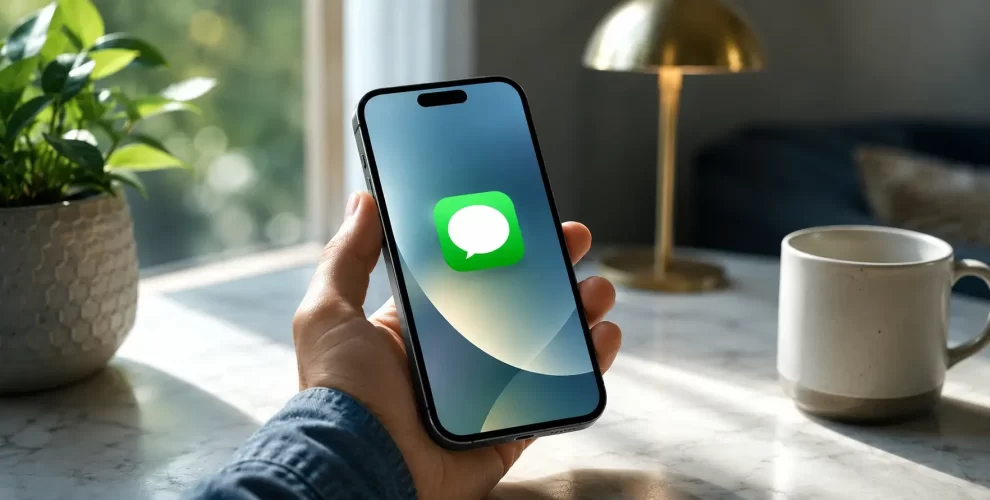
The Messages app is one of the most-used apps on an iPhone, but many people never change its default settings. A few simple adjustments can make your conversations more private, reduce spam, and improve your overall messaging experience.
Here are five Apple Messages settings worth checking on your iPhone.
Enable Message Filtering
If you receive texts from unknown numbers, Message Filtering can help keep your inbox organized.
When enabled, messages from people who aren’t in your contacts are placed in a separate list. This makes it easier to focus on important conversations while reducing unwanted messages.
Turn Off Read Receipts
Read Receipts let other people know when you’ve seen their messages.
While this feature can be useful for close friends and family, many users prefer to disable it for added privacy. You can turn it off for everyone or manage it individually for specific contacts.
Review Name and Photo Sharing
Apple allows you to choose whether your profile name and picture are shared when you start a new conversation in Messages.
Instead of letting this happen automatically, consider changing the option to Contacts Only or Always Ask. That way, you decide each time whether you want your details to be visible to someone new.
Sync Messages with iCloud
If you use more than one Apple device, enabling Messages in iCloud keeps your conversations consistent across all of them.
Another benefit is that your chats are easier to recover when setting up a replacement iPhone, so you don’t have to worry about losing important conversations.
Check Text Message Forwarding
Text Message Forwarding lets your iPhone send SMS, MMS, and supported RCS conversations to other Apple devices linked to your account.
It’s a good habit to review this feature from time to time and confirm that only devices you currently use are allowed to receive your messages.
Why These Settings Matter
Most people never look beyond the default Messages settings, even though a few small adjustments can make a noticeable difference.
Spending a couple of minutes reviewing these options can help you improve privacy, cut down on unwanted interruptions, and make the app work the way you prefer.
Conclusion
The Messages app includes several useful options that many iPhone users overlook. Personalizing these settings gives you greater control over your conversations while making the app more secure and convenient for everyday use. It’s a quick update that can improve your messaging experience without installing anything extra.