Unlock Hidden Samsung One UI Features With This Free Galaxy App
Samsung’s Free App Gives You More Control Over One UI
Samsung’s One UI already offers plenty of customization options, but many advanced features remain hidden from everyday users.
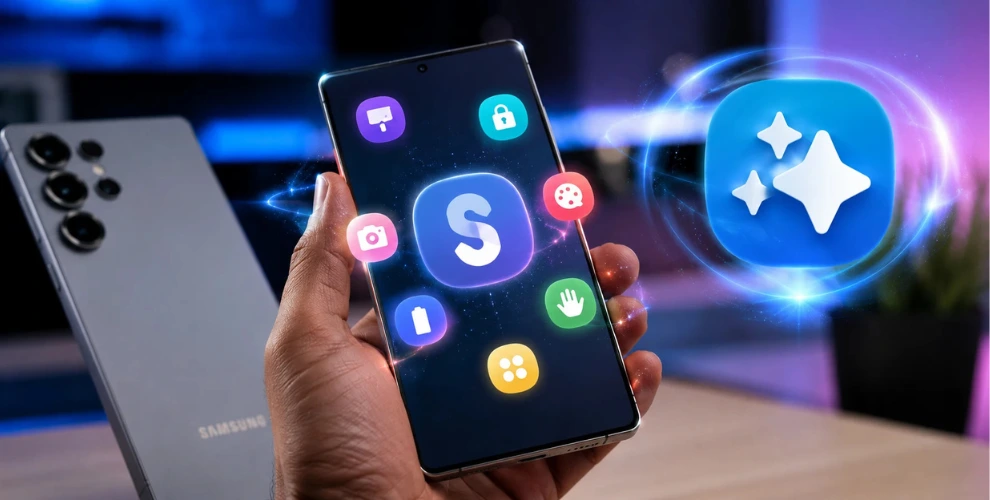
That’s where Good Lock comes in. This free Samsung app unlocks additional settings and customization tools that aren’t available in the standard One UI interface.
If you use a Samsung Galaxy phone, Good Lock lets you unlock extra features, customize your device, and make everyday tasks more convenient.
Customize Your Status Bar and Quick Settings
One of Good Lock’s most popular modules lets you customize the status bar and Quick Settings panel.
You can choose which icons appear at the top of your screen, making the interface cleaner and easier to read.
Depending on your One UI version, you can also display a real-time network speed indicator to monitor your internet connection.
The Quick Settings panel can also be rearranged to better match the way you use your phone.
Edit Multiple Photos at Once
If you regularly manage large photo collections, Good Lock includes tools that make editing much faster.
Instead of modifying images one by one, you can resize, compress, rotate, or watermark hundreds of photos in a single operation.
You can also combine multiple images into a PDF, making it easier to organize documents and share files.
These features help save both time and storage space.
Set Display Preferences for Individual Apps
Not every app needs the same display settings.
Good Lock lets you configure screen timeout and refresh rate separately for different apps.
For example, you can keep your recipe app from turning off while cooking or allow games to use a higher refresh rate while keeping battery-friendly settings for everyday apps.
This gives you greater flexibility without changing your phone’s global settings.
Unlock More Camera Controls
Samsung’s Camera Assistant module provides additional camera options that aren’t enabled by default.
You can adjust shutter behavior, customize autofocus performance, and control how your phone switches between camera lenses.
Some Galaxy models also receive access to extra shooting modes through this module.
These controls allow photography enthusiasts to fine-tune the camera experience without installing another camera app.
Create Custom Button Shortcuts
Good Lock also lets you assign new actions to your phone’s hardware buttons and gestures.
You can launch your favorite apps, start screen recording, toggle system settings, or perform other shortcuts with a double press or long press.
Some modules even enable back-tap gestures, giving you another quick way to access frequently used features.
Conclusion
Good Lock transforms Samsung’s One UI into a far more customizable experience.
From advanced camera controls and display settings to smarter shortcuts and photo management tools, the app unlocks features that many Galaxy users never realize are available.
If you want to get more from your Samsung phone, Good Lock is one of the best free apps to install.