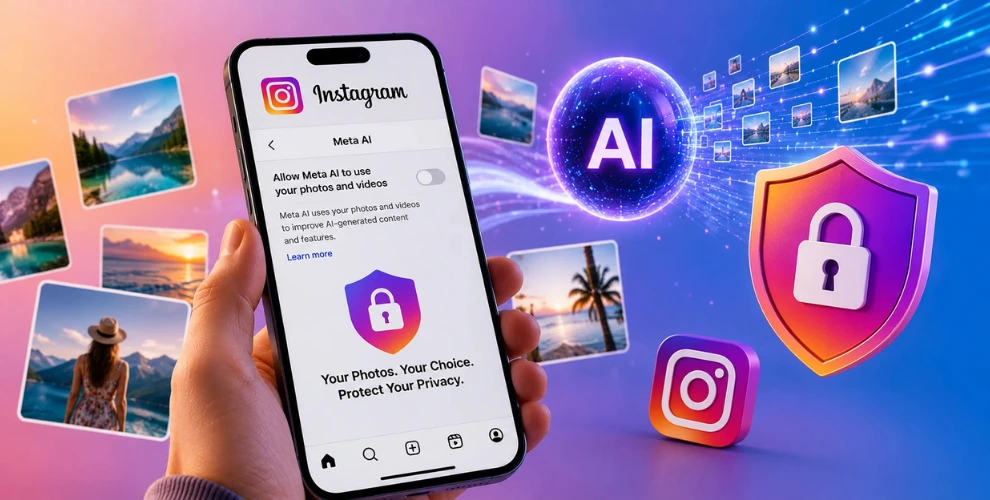
Instagram Users: How to Prevent Meta AI From Using Your Photos
Meta is bringing more artificial intelligence features to Instagram, giving users new ways to create and edit images.
While these tools offer exciting possibilities, they have also raised concerns about privacy.
If your Instagram account is public, some AI features may be able to use your public photos unless you choose to limit that access.
If you’d rather keep your images out of Meta’s AI-powered creations, Instagram includes a setting that lets you control how your content is used.
Why Users Are Concerned
AI-powered image generation is becoming more common across social media.
As these tools improve, many people want greater control over where their photos appear and how they are used.
Although Meta has introduced safeguards for certain accounts, users with public profiles may still prefer to review their privacy settings and decide what they’re comfortable sharing with AI features.
How to Prevent Meta AI From Using Your Photos
You can update your account settings in just a few minutes.
Follow these steps:
- Open the Instagram app and visit your profile.
- Tap the menu icon in the upper-right corner.
- Open Settings and Activity.
- Navigate to Sharing and Reuse.
- Find the option titled Allow people to use your content on Instagram with AI features on Meta.
- Turn the option off for your posts and Reels.
After saving the changes, your public content will no longer be available for this AI feature.
Why It’s Worth Checking Your Privacy Settings
Many people upload photos to connect with friends, build a personal brand, or share memorable moments.
They may not expect those images to become part of AI-generated content.
Taking a few moments to review your privacy settings gives you more control over your account and helps you decide how your content can be used.
Should You Turn the Setting Off?
There is no right or wrong choice.
If you’re happy to participate in Meta’s AI ecosystem, you can leave the setting enabled.
If you prefer to keep your public photos separate from AI-generated content, disabling the option is a simple way to protect your privacy.
As Meta continues introducing new AI features, it’s a good idea to review these settings regularly to make sure they still match your preferences.
Conclusion
AI is transforming the way people create, edit, and share content across digital platforms.
Understanding your privacy options allows you to make informed decisions about your Instagram account.
By checking a few settings today, you can decide whether your public photos remain available for Meta’s AI features or stay under your control.