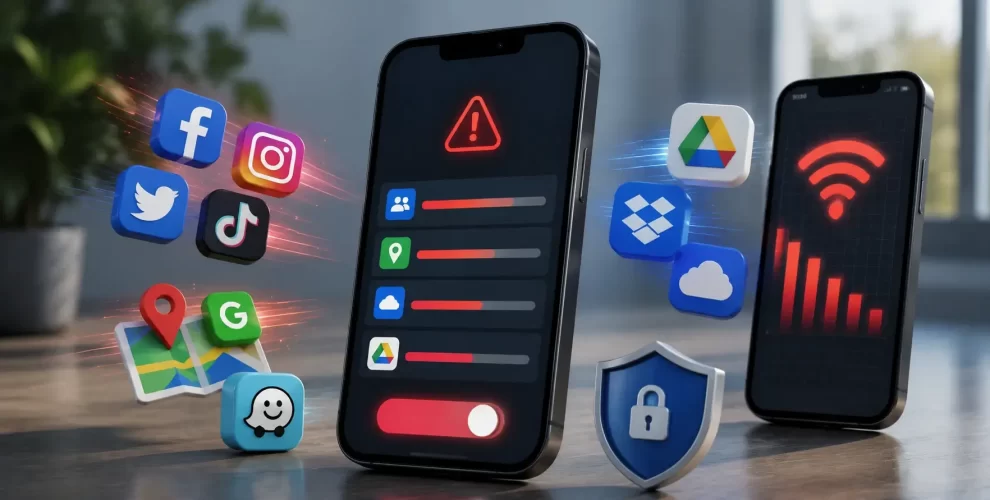
4 Apps That Drained My Data in the Background Until I Disabled Them
Have you ever wondered why your mobile data runs out so quickly even when you haven’t been using your phone much?
The reason could be apps that continue using data in the background.
These apps quietly sync, refresh, and download content without you noticing, leading to unnecessary data usage.
If you’re trying to save mobile data, these are the four types of apps you should check first.
1. Social Media Apps
Social media apps like Facebook, Instagram, TikTok, and Snapchat constantly refresh your feed, preload videos, sync notifications, and update content in the background.
This helps the apps open instantly, but it also means they continue using mobile data even when your phone is locked.
If you don’t need real-time updates all the time, limiting background data for these apps can make a noticeable difference.
2. Navigation Apps
Navigation apps such as Google Maps and Waze don’t only use data while you’re navigating.
They regularly update traffic information, refresh map data, and use your location in the background to improve accuracy.
Unless you rely on these apps throughout the day, restricting their background activity can help reduce unnecessary data consumption.
3. Video and Music Streaming Apps
Streaming apps like YouTube, Netflix, Spotify, and Apple Music often download content ahead of time to reduce buffering.
Some apps also preload recommendations or automatically download podcasts and playlists.
Lowering streaming quality and preventing downloads over mobile data can significantly reduce background data usage.
4. Cloud Storage and Backup Apps
Cloud storage apps such as Google Drive, Dropbox, and iCloud automatically upload photos, videos, and documents whenever changes are detected.
Large media files can quickly consume your mobile data if uploads are allowed outside of Wi-Fi.
Setting backups and file syncing to Wi-Fi only is one of the easiest ways to save data.
How to Stop Apps From Using Background Data
Most Android and iPhone devices let you restrict background data for individual apps.
You can also enable Data Saver mode, disable automatic downloads, and allow cloud backups only when connected to Wi-Fi.
Checking your phone’s data usage report every few weeks can also help you identify apps that consume more data than expected.
Conclusion
Apps that drain my data in the Background are often the ones you rarely think about.
Social media, navigation, streaming, and cloud storage apps can quietly consume large amounts of mobile data without your knowledge.
By reviewing their background settings and limiting unnecessary activity, you can extend your monthly data plan without uninstalling the apps you use every day.