Windows Now Lets You Lock Your PC Using Your Android Phone
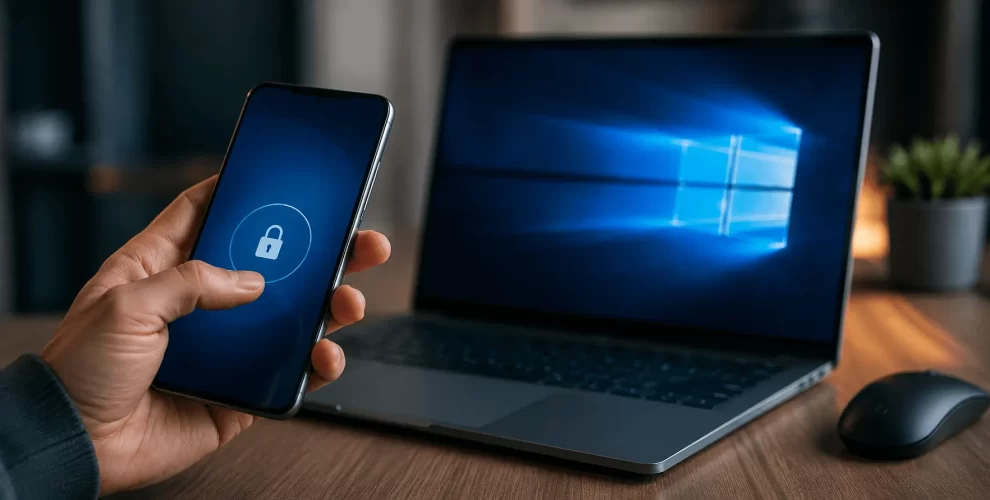
Microsoft is making it easier to protect your computer with a new feature that allows you to lock your Windows PC directly from your Android phone.
The feature works through the Phone Link app and gives users a quick way to secure their computer even when they are away from it.
If you often forget to lock your PC before leaving your desk, this feature can be a convenient solution.
How the Feature Works
Once your Android phone is connected to your Windows PC using the Phone Link app, you can remotely lock your computer with just a few taps on your phone.
When the PC is locked, anyone trying to access it must sign in again using the correct password, PIN, or biometric authentication.
Easy to Set Up
The remote lock feature is built into Microsoft’s Phone Link ecosystem, so there is no need to install third-party software.
After pairing your Android phone with your Windows PC and granting the required permissions, the feature becomes available through the app.
This makes the setup process simple for most users.
Why It’s Useful
Remote locking adds an extra layer of security, especially if you leave your computer unlocked by mistake.
Whether you’re in another room, at work, or away from your desk, you can quickly secure your PC using your phone.
It’s particularly helpful in shared offices, classrooms, or public spaces where protecting your personal information is important.
A Better Connected Experience
Microsoft has been adding more features that connect Android phones with Windows PCs.
Along with file sharing, notifications, messaging, and calling, remote PC locking is another step toward making both devices work together more smoothly.
Conclusion
The ability to lock your Windows PC from your Android phone is a simple but useful feature that improves both convenience and security.
If you already use Phone Link, it’s worth enabling this feature to make protecting your computer even easier.