Google Is Changing How Desktop Photo Backups Work
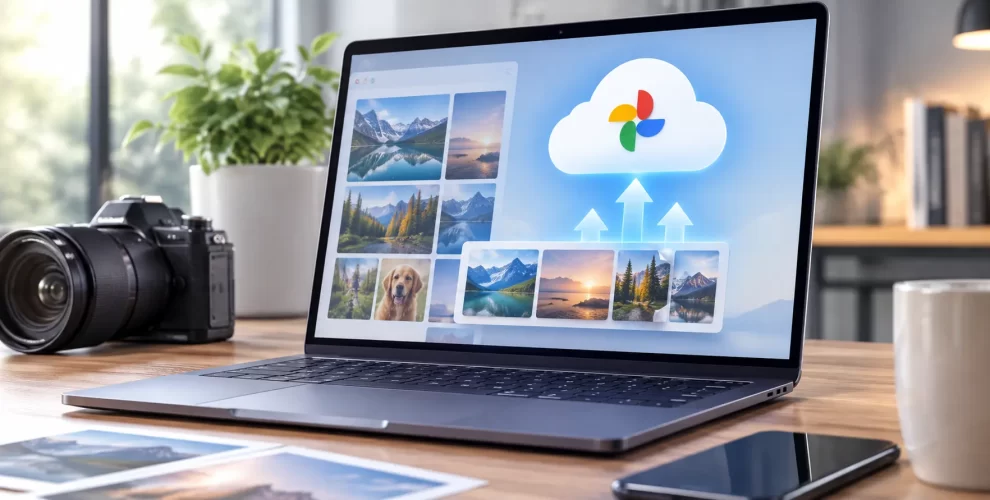
If you use Google Drive for desktop to keep your photos synced with Google Photos, you’ll need to change your setup soon.
Starting August 10, 2026, Google is retiring this backup method. After that date, the Drive desktop app will no longer send newly added photos and videos from your computer to Google Photos.
Your Existing Library Isn’t Going Anywhere
The update only affects future uploads.
Everything you’ve already backed up to Google Photos will remain available. The only difference is that new images stored on your computer won’t upload automatically through Drive for desktop once support ends.
How to Keep Backups Running
To continue syncing your pictures, Google wants users to switch to the backup option built into the Google Photos desktop app.
After installing or opening Google Photos, choose the folders you want to protect and enable automatic backup. Once that’s done, future photos will continue syncing without using Google Drive for desktop.
Why Google Is Making This Change
Instead of maintaining two desktop backup methods, Google is moving photo uploads into a single application. This gives users one dedicated place to manage image backups while Google Photos handles syncing directly.
Conclusion
Nothing will happen to the photos you’ve already saved, but automatic desktop backups will stop working unless you switch to Google Photos before the deadline. Updating your backup method now will help ensure future photos continue syncing without interruption.