How to Check If Your AI Account Has Been Hacked
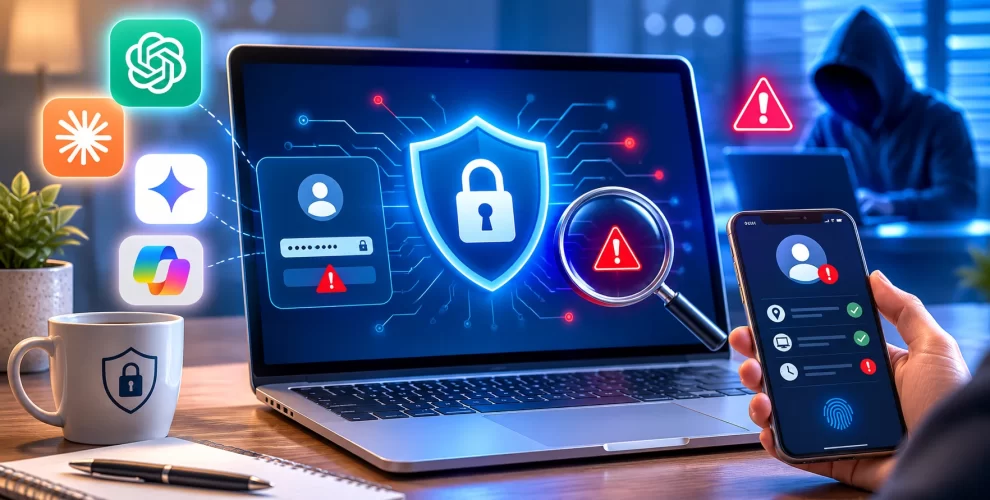
AI platforms such as ChatGPT, Claude, and Perplexity can contain private conversations, saved information, and other sensitive data.
Like any online account, they can also become targets for unauthorized access.
If you think someone may have accessed your AI platform account, checking your active sessions and signing out unknown devices should be one of your first steps.
Check Your ChatGPT Account
ChatGPT lets you review the devices and sessions connected to your account.
Open ChatGPT in your browser and go to Settings.
From the security section, check your active sessions. Look for devices or sessions that you do not recognize.
If something seems suspicious, sign out of that session.
You can also choose the option to sign out of all sessions and then log in again.
If you use a password to access your account, changing it is another important step.
Use a strong password that you do not use for any other service.
Check Your Claude Account
Claude uses a different login system from many traditional services.
Instead of relying on a regular account password, Claude sends a login link to your email address.
To check your sessions, open Claude and go to Settings → Account. Look at the active sessions shown there.
If you find a device you do not recognize, terminate that session.
You can also sign out of all devices before logging in again through your email.
Because your email is important for Claude access, make sure your email account is protected with a strong password and multi-factor authentication.
Check Your Perplexity Account
Perplexity does not provide the same active-device view as ChatGPT and Claude.
If you suspect that someone has accessed your account, open Perplexity and go to All settings.
Choose the option to sign out of all sessions and confirm the action.
You can then sign back in using the email verification method provided by Perplexity.
How to Protect Your AI Accounts
Checking your sessions is useful, but prevention is even better.
Use a unique password for every service that supports passwords, and consider storing them in a trusted password manager.
Turn on multi-factor authentication (MFA) whenever the platform provides it.
Also secure the email account connected to your AI services, because email access can sometimes be used to gain access to other accounts.
Be careful with unexpected login emails, verification codes, and links.
Never give your one-time verification code to anyone, even if they claim to be from customer support.
Conclusion
Your AI accounts may contain information you would not want a stranger to access.
Regularly checking account sessions, signing out unknown devices, securing your email, and using MFA can greatly improve your protection.
If you notice anything suspicious, act quickly rather than waiting to see what happens.